
maRk2512's updated his game QuirkDS. It's a remake of the old GameBoy game "Kwirk, A-mazing tater". Read more about QuirkDS (12-03-2009) (NDS Game)
Latest News
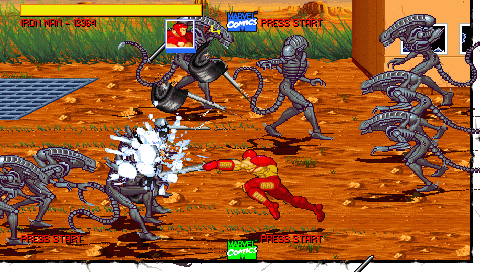
bWWD released a public version of "Marvel 2D Sidescrolling Fighter". It's a classical 2D beat'em up game featuring Marvell characteres. The game is not completed yet and requires some work. Read more about Marvel 2D Sidescrolling Fighter (11-03-2009) (PSP Game)
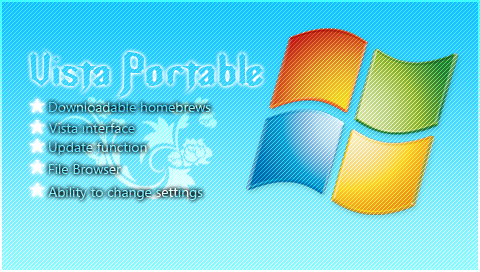
Vista Portable is a new shell application for PSP trying to imitate the look and feel of Windows Vista. Read more about Vista Portable v1.00 (PSP Application)
nct2k updated Bookr once again. Read more about Bookr v0.8.1 (PSP Application)
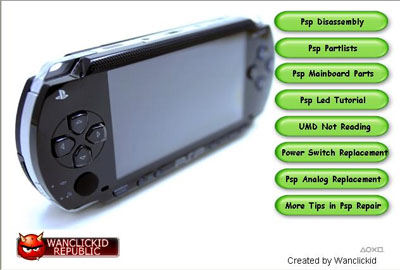
The PSP Ultimate Repair Guide v1 provides you a step by step how-to on several hardware issues. Read more about The PSP Ultimate Repair Guide v1 (PSP misc)
W.V.D. Web Video Downloader is the first software for Pocket PC that can stream or download online videos from web sites like YouTube. W.V.D. supports most popular online web sites and many adults sites. To stream videos, you need an external video player that support standard formats like (flv, mp4 ,...). Read more about Web Video Downloader (WVD) v1.3.0.0 (PPC Application)
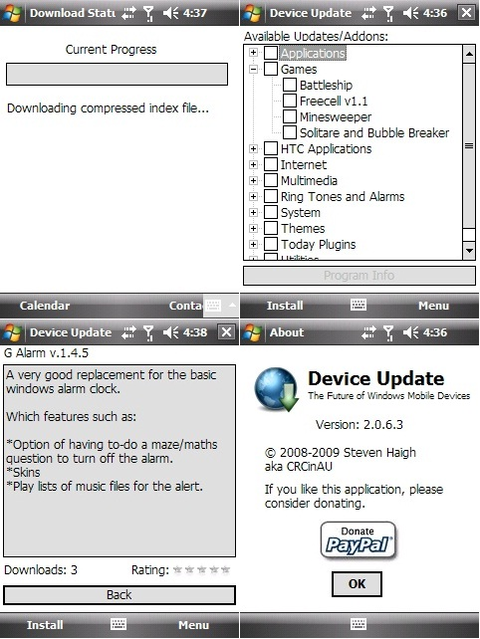
Device Update is an 'appstore' type application to automatically download and install from a list of selected applications. Read more about DeviceUpdate v2.1.0.15 (PPC Application)
PhoneLog application is a simple call log application that logs phone calls (missed and placed) to your calendar w/ duration of the call. Read more about PhoneLog v1.6.1 (PPC Application)
Release notes by Radimus:
Premise is that there are many backup utilities that will backup/restore either dirs or the whole ROM, but not just for a specific apps settings. There are many ways that dev could use to store their settings for a given app, but getting them all to do the same way is "difficult". However, if program A had it's settings in a settings.ini (or whatever name) and that specific file could be backed up and restored later after a hard reset or new ROM installed, it would make the flashing a ROM even easier since UC came out. Read more about UCMe2 v0.1.0 (Beta) (PPC Application)
paladine has released an early version of his DSLatin vocabulary training tool. Read more about DSLatin (11-03-2009) (NDS misc)